To access your files, simply log into your Greenback Tax Companion Account and go to the Files Section within your online portal.
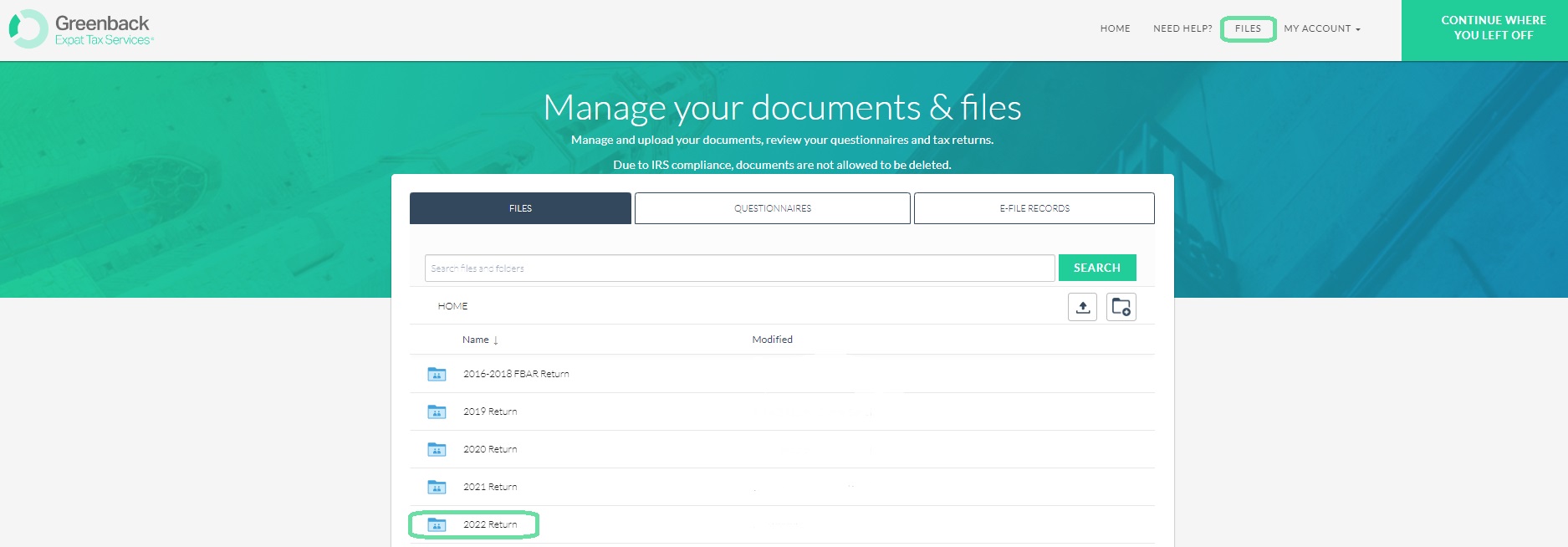
Note: If you can't find a document you've already uploaded, you may need to re-upload it to the appropriate folder, as the initial upload might have been unsuccessful. If you're looking for a document uploaded by your accountant and can't find it in your folders, please contact your Greenback accountant directly and request them to re-upload the document.
If you have any questions or need any support at all, you are welcome to reach out to help@greenbacktaxservices.com or start a chat on our website!